

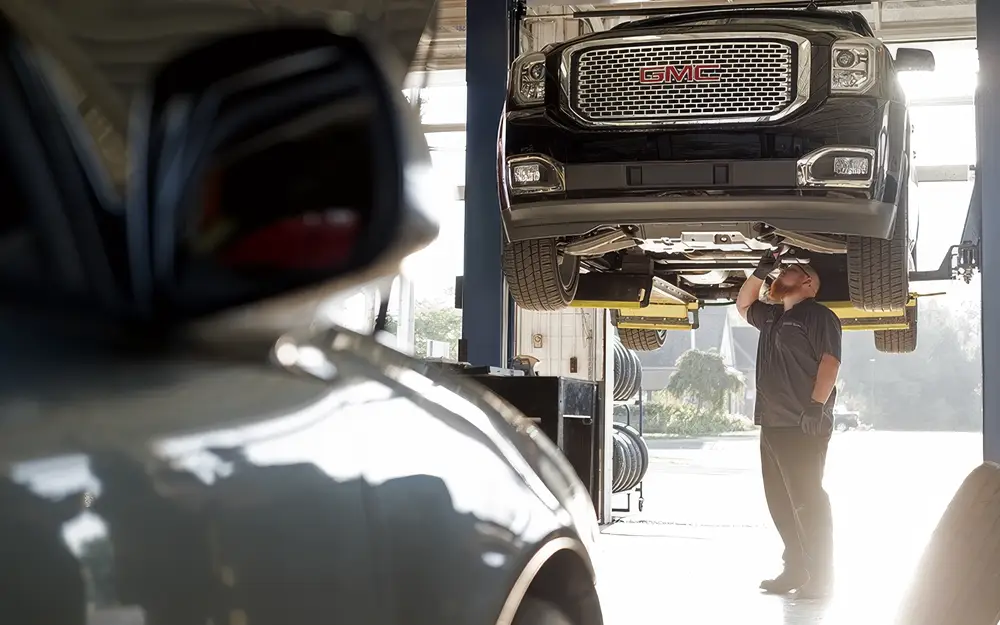
Great Service Starts Here
General Motors is committed to making the customer experience a key driver of why consumers choose to purchase GM products and services. That commitment includes ensuring that our dealerships have well-trained, knowledgeable technicians.


ASE Certification for GM Dealership Employees
ASE Certification, when combined with GM’s Service Training Standards (STS), helps instill customer confidence and helps guarantee that GM’s dealer technicians have and maintain the necessary skills to "Fix It Right the First Time."
Why ASE?
ASE delivers these benefits:
ASE is an independent, non-profit organization dedicated to improving the quality of automotive service and repair through the voluntary testing and certification of automotive professionals.
ASE Certification is a valuable yardstick by which to measure the knowledge and skills of individual employees as well as the commitment to quality of the repair facility employing ASE Certified professionals.
By displaying ASE Certification and GM STC training accomplishments, you instill customer confidence in your dealership and support GM Certified Service messaging.
Which ASE Certifications Do I Need?
Service Training Standards (STS): GM worked with dealers to develop a methodology that aligns service training with technical training goals to enable technicians to deliver a truly exceptional service experience for customers. The following chart identifies the Service Training Standards (STS) category and the corresponding ASE Certifications to meet GM STS requirements, GM Master Technician Certification, and GM World Class Technician status in the Mechanical and Body Work categories.
Mark of Excellence (MoE): The updated Mark of Excellence program includes new opportunities for technicians, as well as parts consultants, service consultants, bodyshop consultants, managers, and other service personnel. The second chart below shows the required ASE tests related to each job type.
| GM STS Mechanical Category | GM STS Requirements | GM Master Technician Certification | GM World Class Technician |
|---|---|---|---|
| Engine Repair | A1 | A1 | A1 |
| Automatic Transmission | A2 | A2 | A2 |
| Manual Drivetrain and Axle | A3 | A3 | A3 |
| Steering and Suspension | A4 | A4 | A4 |
| Brakes | A5 | A5 | A5 |
| Electrical/Electronics | A6 | A6 | A6 |
| Heating, Ventilation and Air Conditioning | A7 | A7 | A7 |
| Engine Performance | A8 | A8 and L1 | A8 and L1 |
| Diesel Engine Performance | A9 | A9 | A9 |
| Mechanical/Electrical Repair | B5 or ASE Master Auto Certification | B5 or ASE Master Auto Certification | B5 or ASE Master Auto Certification |
| Hybrid / Electric Vehicles | Not Applicable | L3 | Not Applicable |
| Job Type | ASE Certification |
|---|---|
| Service Manager | Automobile Service Consultant Certification Test (C1) |
| Service Advisor | Automobile Service Consultant Certification Test (C1) |
| Body Shop Consultant | Damage Analysis & Estimating Certification Test (B6) |
| Other Service Personnel | Parts Specialist Certification Tests (P1 or P2) or Automobile Service Consultant Certification Test (C1) |
| Bodyshop Manager | Damage Analysis & Estimating Certification Test (B6) |
FAQs
If you have never registered for an ASE test, visit ASE.com and select the Create myASE Account link in the myASE login box. You will then be prompted through several screens to provide information about yourself to set up your account.
GM and ASE have an agreement to allow ASE Certification status from the ASE website (ASE.com) to transfer into GM's training website Center of Learning (www.centeroflearning.com). To enable the transfer of your ASE credentials to GM's Center of Learning, you must:
- Log in to your myASE account.
- Select the Profile tab.
- Select the "Release my ASE status to others" checkbox and then select the Submit button.
If you have already created a myASE account, then:
- Log in to your myASE account.
- Select Company-Assigned ID.
- Select the Add Company-Assigned ID button.
- Select GM from the Company drop-down menu and enter your LMS Person ID (not your 9-digit GMIN) and then select Submit. You can find your LMS Person ID via GlobalConnect>Center of Learning Website>Profiles>Edit Your Profile.
- Select the Profile tab to review your information and check on your release status. Confirm that your information is correct.
- Select the "Release my ASE status to others" checkbox and then select the Submit button.
- Log in to your myASE account.
- Select Store link.
- Select the checkbox(s) for the ASE Certification Test(s) for which you wish to register.
- After going through several prompts, you can schedule your appointment. If you have multiple tests to schedule, you may also select the "Select All" checkbox.
- Then you can Find the Test Center that is most convenient for you and select the Schedule an Appointment link to find available locations.
- Once you have scheduled your test appointments you will be directed to an Appointment Confirmation page where you should see the correct date/time for your ASE Certification test(s). Select either the Print Registration Ticket button to print your registration ticket, or select Continue to complete the registration process.
The results from ASE are imported from ASE on a weekly basis, but it can take up to four weeks for the Center of Learning to receive certification results after completion. If you have already provided ASE with your GM Training Person ID through myASE and your records have not transferred, please contact ASE at (703) 669-6600.
For a complete listing of test dates and fees, visit the registration page.
For more information on Mark of Excellence, login to GM GlobalConnect and launch the Mark of Excellence app on the App Center tab.
Need Help?
If at any point you have trouble during the registration process for your ASE Certification test(s), contact us via ASE's Contact Form, or call ASE Customer Service at 1-800-390-6789 between 8 a.m. and 5 p.m., Eastern Time, Monday-Friday, except holidays. Operators are here to help guide you through the registration process and answer any and all questions you may have.